Business Operating System · WhatsApp, Instagram & CRM
Your AI Business OSfor WhatsApp, Instagram & CRM.
Contacts and deals, Instagram publishing and replies, and an AI assistant — in one workspace. Start free with 500 credits, then 50 more every day. Sign up with your email.
Apps available11
·
AccessSign up
·
Set upTogether with the HiT team
·
ScreensEnglish
·
Apps available11
·
AccessSign up
·
Set upTogether with the HiT team
·
ScreensEnglish
·
Chapter 01
Apps available today
Start with
what works.
Each app you install adds its pages to your sidebar and command palette. We switch on only what your business needs.
CRMAVAILABLE
Instagram AutomationsSET UP WITH HIT
Instagram PublisherSET UP WITH HIT
WhatsAppAVAILABLE
WhatsApp CampaignsAVAILABLE
WhatsApp AssistantAVAILABLE
InstagramAVAILABLE
All InboxAVAILABLE
MemoryAVAILABLE
Products & ServicesAVAILABLE
AI AssistantAVAILABLE
// MODULE · CRM · 01
Contacts, companies and deals in one place
Keep your contacts, companies and deals in one workspace and move deals through a pipeline.
Contacts and companies with tags, search and filters
Deals on a pipeline board
Activity log
Products and services catalog (the Business Data app)
01Add contacts and companies
02Create deals and place them on the pipeline
03Move deals between stages as they progress
04Look back at the activity log when you need the history
Chapter 02
AI Assistant
Ask your business.
Confirm the change.
The AI Assistant works with the data in your workspace. It answers questions and suggests next steps. It never saves a change to your data until you confirm it.
Chat panel inside your workspace
Questions about your contacts, deals and catalog
Suggestions and recommendations
A change is saved only after you click to confirm
► You ask, in plain languageThe assistant reads your workspace dataIt answers, or suggests a changeA suggested change waits for your confirmation►
Chapter 03
Instagram
Plan the posts.
Approve the replies.
Two Instagram apps come with a guided setup. The HiT team connects your account and switches them on with you.
Instagram Publisher
A queue for posts, carousels, reels and stories, with a phone preview, a story editor and a clear status for each item.
Instagram Automations
Keyword rules for comments, messages and stories. Every reply waits for your approval before it is sent.
Approval first
Nothing goes out by itself. You see each prepared reply in an approval list and decide.
Connections
Connect your accounts in one place, check their health, reconnect or remove them.
Chapter 04
Your workspace
One place for
your team.
The basics every workspace has, whichever apps you install.
🏢
Workspaces
Run each business or brand in its own workspace
🔑
Team roles
Owner, admin, manager and agent roles for your team
✉️
Invite your team
Invite people by email with the role they need
🎛️
App Store
Install or remove an app for your workspace
🔌
Connections
Connect and check your WhatsApp and Instagram accounts in one place
⌨️
Command palette
Jump to any page with the keyboard (Ctrl or ⌘ K)
Chapter 05
Getting started
We set it up
with you.
1
Request access
Tell us about your business. The HiT team reviews every request by hand and invites you.
2
Create your workspace
Accept the invitation, create your account and your workspace, and pick the apps you need.
3
Connect your accounts
We connect your Instagram account with you, and check that it works before anything is switched on.
4
Start with approval on
Replies wait for your approval. You decide what goes out.
Today
| CRM | Available |
| Instagram Automations | Set up with HiT |
| Instagram Publisher | Set up with HiT |
| Available | |
| WhatsApp Campaigns | Available |
| WhatsApp Assistant | Available |
| Available | |
| All Inbox | Available |
| Memory | Available |
| Products & Services | Available |
| AI Assistant | Available |
| Arabic screens | Not yet |
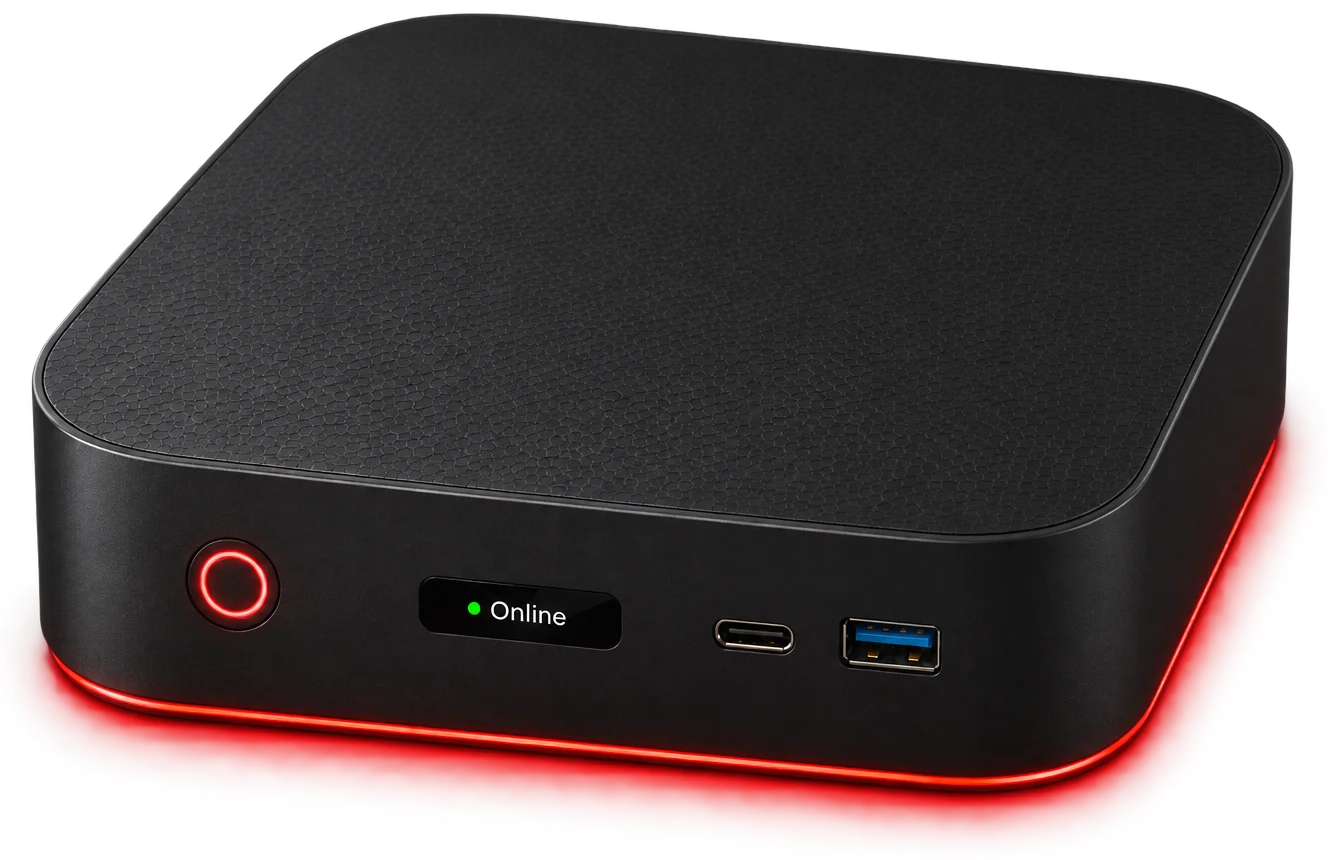
The Command
Center Is Ready.
Center Is Ready.
Tell us how your business runs today. We set up your workspace with you and switch on only the apps you need.